The tickets remote support cannot close
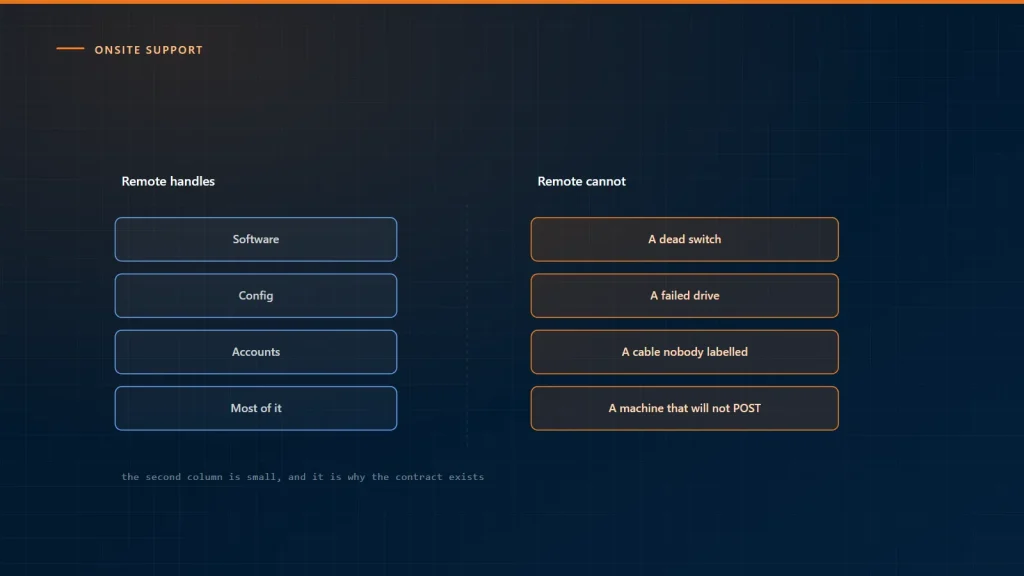
Remote support handles most of what comes in, and the proportion has only grown. That success creates a planning problem: the remaining tickets are the ones that need hands, and they get allocated by whoever happens to be free rather than by any deliberate arrangement.
What genuinely needs someone present
The device will not start or will not connect
Remote support requires a working device on a working network. A machine that will not boot, has a failed drive, or cannot reach the network at all is outside every remote tool by definition. This is the largest category and the least avoidable.
Physical hardware
Failed components, docking stations, monitors, printers, peripherals, cabling. Nothing about a hardware swap can be done down a wire, and hardware failure does not decline just because software support improved.
The network itself
A switch that has stopped, a patch panel change, a wireless access point in the wrong place, a cable someone unplugged to charge a phone. When the network is the fault, remote access is the first casualty.
New sites, moves and builds
A new office, a floor reorganization, a bulk device refresh. Predictable, schedulable, and it does not fit a remote team’s day.
Anything with a physical security boundary
Server rooms, comms cabinets, secure areas, anything requiring a badge and a signature.
The user who cannot be helped remotely
Less technical and often more important. A person who has been escalated three times, an executive before a board meeting, someone struggling with new equipment. Five minutes in person resolves what three remote sessions did not, and the difference is not technical.
Work out your own proportion
The general figure people quote is not useful for planning, because the mix depends entirely on your estate. Pull twelve months of tickets and classify:
- closed remotely;
- required someone present;
- escalated remotely for a long time and then required someone present.
The third group is where the real cost sits. A ticket that consumed four remote sessions over three days before someone visited cost more than either a prompt visit or a clean remote fix — and those tickets are also the ones users remember.
Where the cost actually is
Onsite support is usually priced as visits, which hides the two costs that matter more:
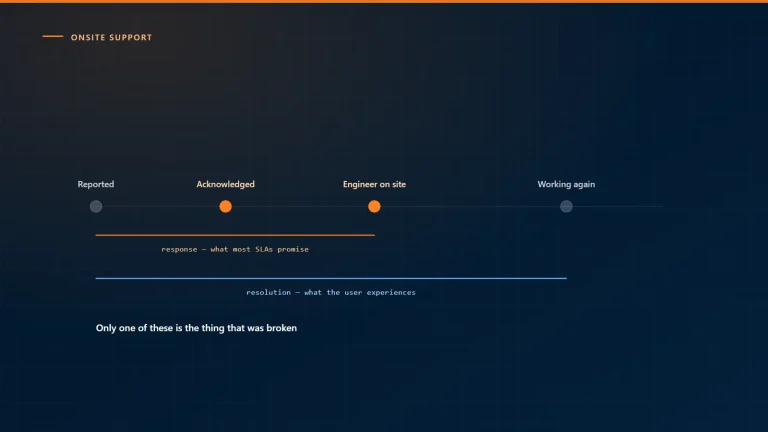
- Waiting. A laptop dead on Monday and fixed on Thursday is three days of a person unable to work. That figure dwarfs the visit cost in almost every organization.
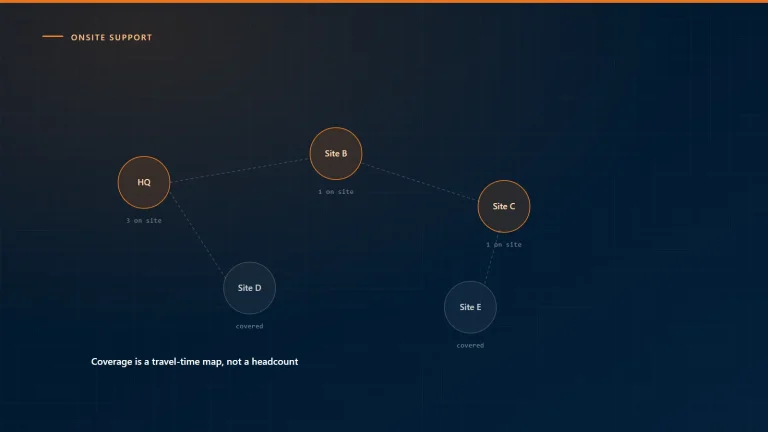
- Travel. A two-hour round trip for a ten-minute job. This is why batching non-urgent work into scheduled visits is usually the largest single saving available.
Choosing the model
- Permanently basedJustified where volume genuinely supports it, typically a large site or one where downtime is very expensive. Below that threshold an onsite engineer spends a lot of time idle, which is expensive in a different way.
- Scheduled visitsA regular day, with non-urgent work batched to it. Efficient, and it works for most of the list above except the urgent hardware failure.
- On-demand dispatchFor the urgent cases, with a defined response commitment. The commitment is what makes it a service rather than a phone call.
- A hybridScheduled visits carrying the routine and predictable, dispatch covering the urgent. This is what most organizations end up with, and arriving at it deliberately is cheaper than arriving at it by accident.
Reduce the need rather than only the cost
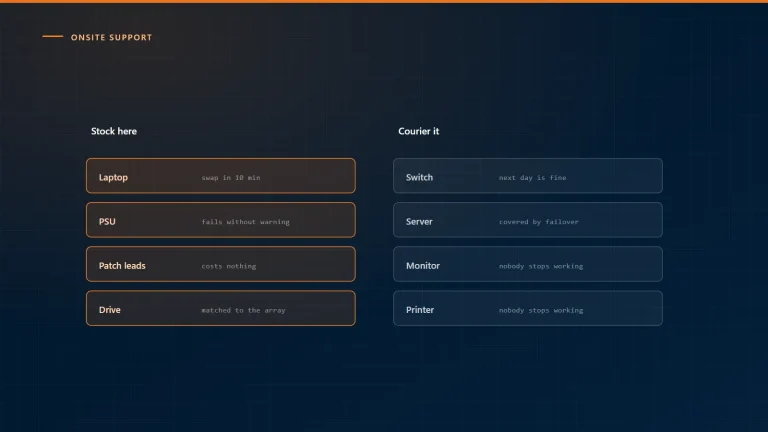
Several things visibly lower onsite demand: spare devices held locally so a failure is a swap rather than a repair, standardized hardware so one spare covers many users, out-of-band management on servers and network gear so a remote reboot is possible, and someone on site with a key and enough confidence to reseat a cable or read a light.
That last one is informal in most organizations and worth making explicit, because it resolves a meaningful share of “the network is down” calls before anyone travels.
Our infrastructure managed services cover the estate remotely and dispatch to site for the work that needs it, from our delivery centers in India and offices abroad. Tell us where your sites are and we will tell you what the coverage would look like.